- Published on
Chrome Split View: My New Method for Comparing AI Responses
- Authors

- Name
- Leon
- @leonpzhao
I currently subscribe to two AI products: ChatGPT Plus and Gemini Pro.
Jensen Huang, CEO of NVIDIA, once shared his approach to using AI: comparing responses from different AI models for the same question. Inspired by this, I tried a similar approach using Cherry Studio, which allows you to add multiple models and have them answer the same question simultaneously. However, that experiment didn't last long.
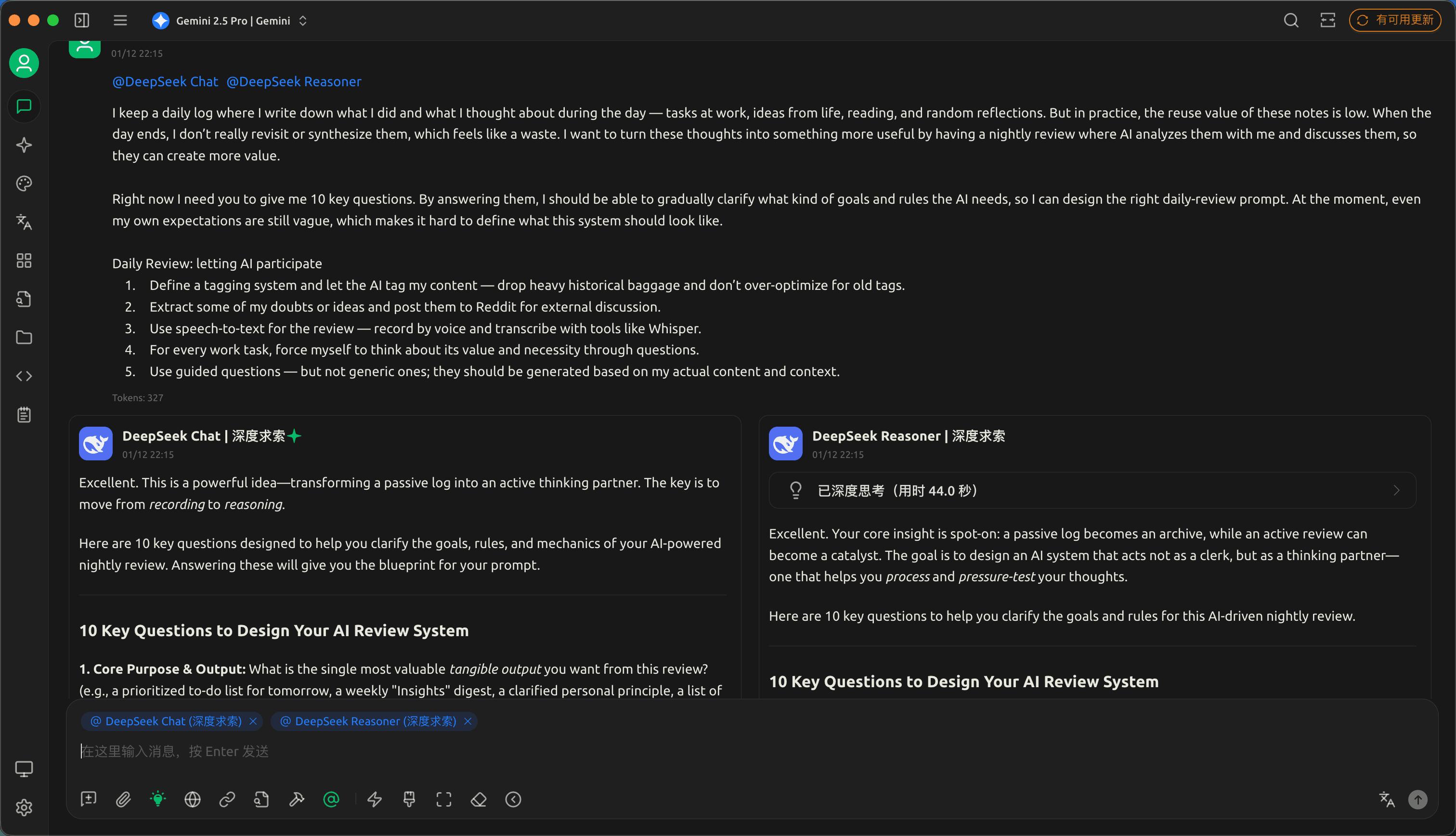
There were two main reasons:
- Without using Cherry Studio's memory feature, the models lacked context about me, resulting in less personalized responses
- Reading multiple model responses simultaneously increased cognitive load and scattered my focus
After subscribing to ChatGPT Plus and Gemini Pro, I wanted to maximize the value of both subscriptions, so I revisited the multi-model comparison approach.
The key difference this time is Chrome's built-in Split View feature:
- It allows me to place ChatGPT and Gemini web interfaces side by side on the same screen
- I can input the same question to both and directly compare their outputs
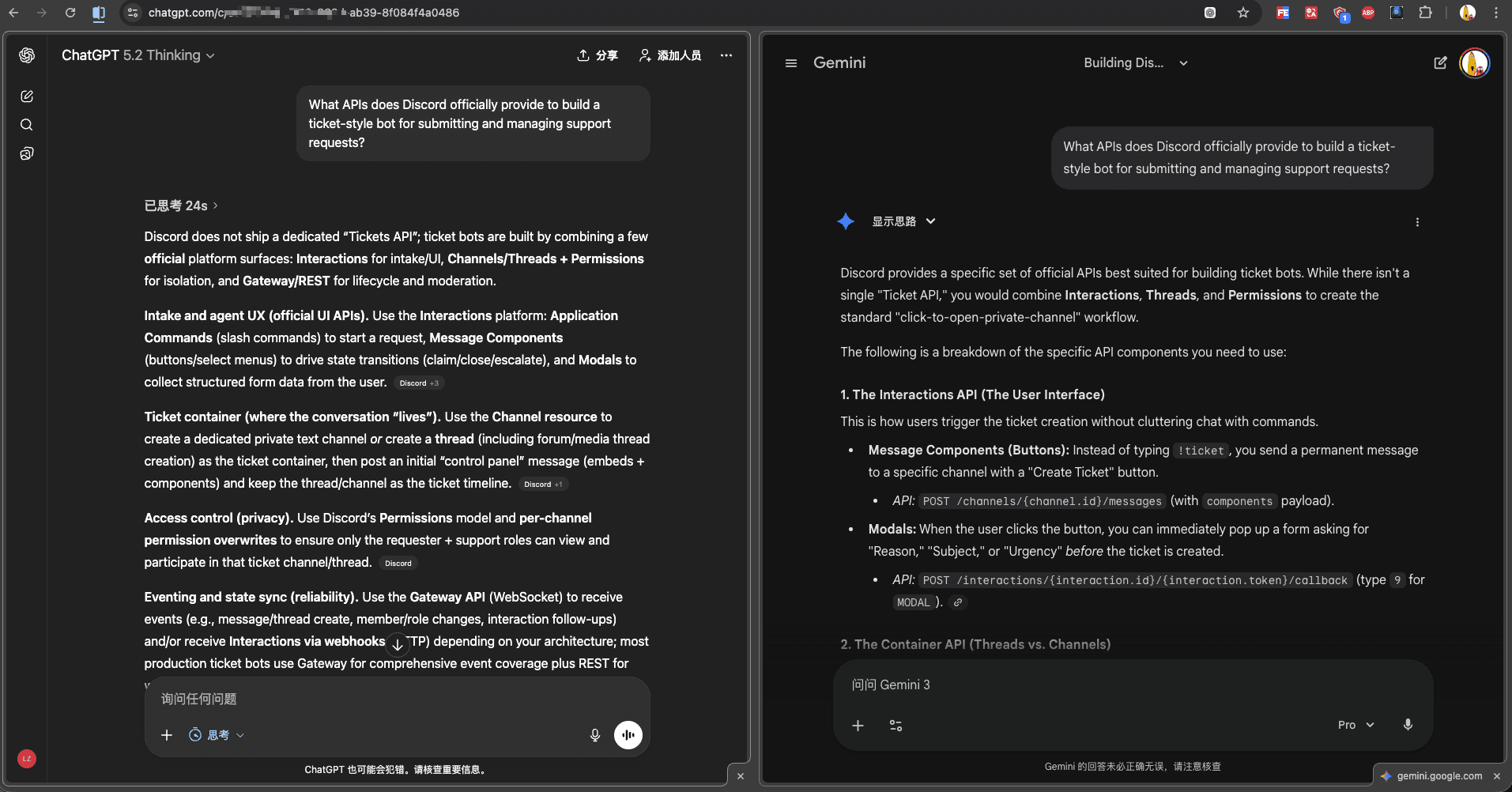
Since both products have memory capabilities and understand my preferences and history, their responses now incorporate relevant context, making them significantly more useful than my previous attempts.
Through this comparison, I discovered:
- Sometimes ChatGPT Plus delivers better answers
- Sometimes Gemini Pro outperforms
This challenged my previous assumptions. Before this experiment, I believed ChatGPT Plus would consistently outperform others, mainly because I used it more frequently while my experience with Gemini was limited—leading to biased conclusions.
After this comparison, I've realized that mainstream AI assistants have reached similar capability levels. In many scenarios, it's difficult to definitively say one model is always better than another.
My current approach:
- For complex or important questions, use Split View to compare both models' outputs simultaneously
- Extract the best insights from each response
- Synthesize and apply the combined knowledge